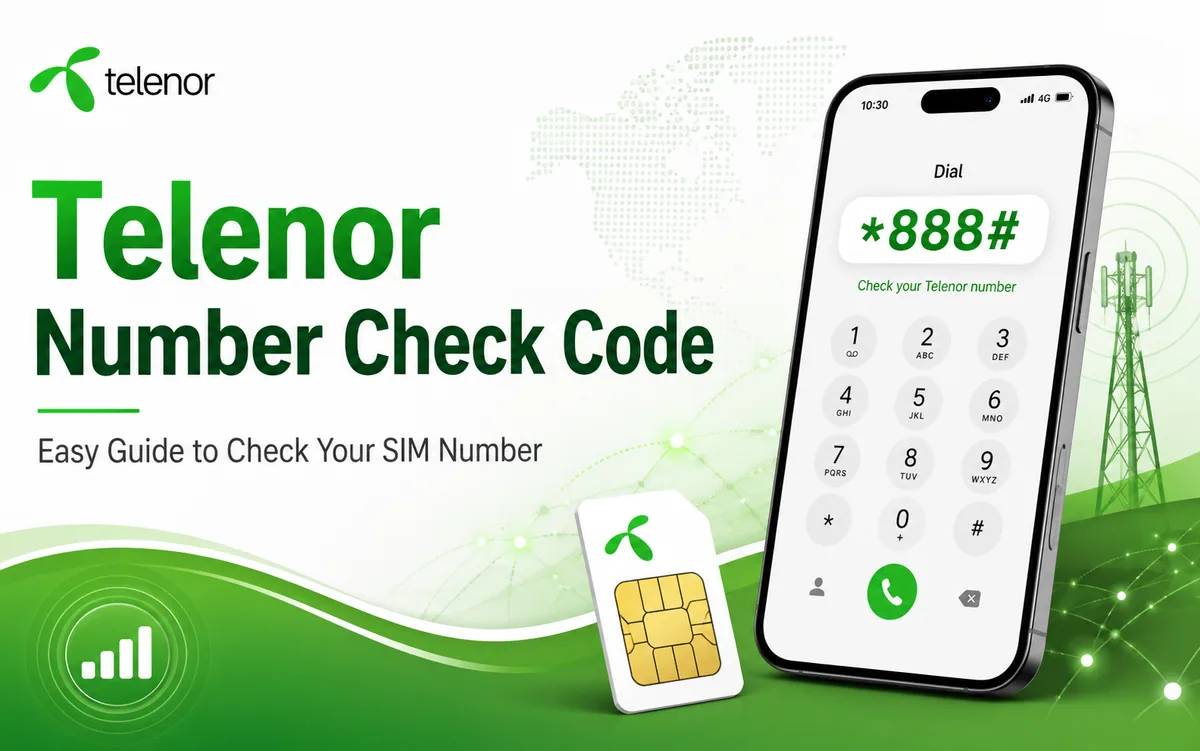
Do you need to check your Telenor SIM number but cannot remember it? Dial *8888# from your Telenor SIM. Your mobile screen should show the number within a few seconds.
Many people forget their mobile numbers after buying a new SIM, switching between several SIM cards, or using an old connection after a long break. Telenor users in Pakistan can find their numbers through a USSD code, SMS, the My Telenor App, SIM packaging, or customer support.
This guide explains every available method with clear steps. You can start with the free Telenor number check code and use an alternative option when the code does not work.
Telenor Number Check Code 2026
Use the following code to check your Telenor number:
*Telenor number check code: 8888#
Follow these steps:
Insert your Telenor SIM into your mobile phone.
Open the phone dialler.
Enter *8888#.
Tap the call button.
Wait a few seconds for your number to appear.
This method usually works without mobile balance. You only need an active Telenor SIM and access to the phone dialler.
Quick Telenor Number Check Details
Information | Details |
|---|---|
Network | Telenor Pakistan |
Number check code | *8888# |
Service type | USSD |
Expected charges | Free |
Internet required | No |
Mobile balance required | Usually no |
Alternative SMS method | Send a blank SMS to 7421 |
Customer support | 345 |
Telecom operators can change codes, fees, and service conditions. Check the latest details through official Telenor support when a method does not work.
How to Check a Telenor Number Through *8888#
The USSD method offers the quickest way to find a forgotten Telenor number. It does not require an internet connection, mobile application, or contact with a customer support agent.
Step 1: Open the Phone Dialler
Unlock your mobile and open the application that you normally use to make calls.
Step 2: Enter the Code
Type the following code exactly:
*8888#
Include both star symbols and the hash symbol. An incomplete code may produce an error message.
Step 3: Select the Telenor SIM
Dual SIM phones may ask you to select a SIM before making the request. Choose the Telenor SIM whose number you want to find.
Step 4: Wait for the Result
Your phone should display the mobile number on the screen. Write it down, save it in your contacts, or take a screenshot for future use.
Why You May Need to Check Your Telenor Number
People often remember their main mobile number but forget the number of a secondary or newly purchased SIM. You may need your Telenor number in several situations.
You Recently Purchased a New SIM
A new number takes time to remember. The number check code helps you find it before sharing it with family members, friends, customers, or colleagues.
You Use More Than One SIM
Many mobile users keep separate SIM cards for calls, internet packages, work, and personal communication. Multiple connections can make number identification difficult.
You Found an Old Telenor SIM
An old SIM may remain inside a drawer or unused phone for months. You can insert it into a compatible device and dial the number check code to identify it.
You Need to Recharge Your Balance
You must enter the correct number when you recharge through a retailer, banking application, mobile wallet, or online payment service. Checking the number first can prevent an incorrect recharge.
You Want to Register an Account
Websites and mobile applications often require a phone number for registration or verification. The code helps you confirm the correct number before requesting an SMS code.
Method 2: Check Your Telenor Number Through SMS
You can also request your Telenor number through an SMS.
Follow these instructions:
Open the messaging application.
Create a new message.
Leave the message field blank.
Send the blank message to 7421.
Wait for a reply that contains your Telenor number.
Telenor may apply standard SMS charges to this method. Keep enough balance in your account before sending the message.
Use the *8888# method first when your SIM has no balance.
Method 3: Find Your Number in the My Telenor App
The My Telenor App gives you access to your number and other account information. This option works well when your phone has Wi-Fi or mobile internet.
Use these steps:
Install the My Telenor App from the official application store.
Open the application.
Sign in with your Telenor SIM.
View your number on the main account screen.
The application may also show your balance, active packages, remaining internet data, SMS resources, and call minutes.
Only install the application from an official application store. Avoid unofficial download pages that may distribute unsafe or modified files.
Method 4: Check the SIM Jacket or Retailer Receipt
Telenor retailers often provide a SIM jacket, registration slip, or purchase receipt. One of these documents may contain the assigned mobile number.
Look for terms such as:
Mobile number
MSISDN
Assigned number
Subscriber number
Check the printed digits carefully. The SIM serial number and mobile number serve different purposes, so do not confuse them.
The mobile number usually starts with a Pakistani network prefix. The SIM serial number contains a much longer sequence of digits.
Method 5: Call Telenor Customer Support
Contact Telenor customer support when the code, SMS, and application methods fail.
Dial 345 from a Telenor connection and follow the voice instructions. Explain that you need help identifying a Telenor SIM number.
The representative may request information such as:
The CNIC linked to the SIM
The SIM serial number
The name of the registered customer
Answers to basic ownership questions
Provide accurate information. Customer support may reject the request when the details do not match the SIM registration record.
How to Check a Telenor Number Without Balance
Dial *8888# when your Telenor SIM has no balance. The USSD method usually does not require account credit.
Follow these steps:
Insert the SIM into a working phone.
Confirm that the phone detects the network.
Open the dialler.
Dial *8888#.
Select the correct SIM on a dual SIM device.
Note the number that appears.
Connect your phone to Wi-Fi and open the My Telenor App when the USSD request does not respond.
How to Check a Telenor Number on a Dual SIM Phone
A dual SIM device can send the request from the wrong connection when you do not select the correct SIM.
Open the dialler, type *8888#, and choose the Telenor SIM before tapping the call button. Review the SIM labels in your phone settings when you cannot identify which slot contains the Telenor connection.
You can also remove the second SIM temporarily. This step reduces confusion and sends the request through the correct network.
What to Do When *8888# Does Not Work
Several issues can stop a USSD request from completing. Try the following solutions.
Check the Network Signal
Move to an area with stronger coverage. Weak signals can interrupt USSD requests.
Restart Your Phone
A restart refreshes the mobile network connection and may fix a temporary error.
Turn Airplane Mode On and Off
Enable airplane mode for a few seconds, turn it off, and wait for the Telenor signal to return.
Select the Correct SIM
Dual SIM users should confirm that the phone sends the code through the Telenor connection.
Insert the SIM Into Another Phone
Your current device may have a network or SIM slot problem. Test the SIM in another compatible mobile phone.
Check the SIM Status
An inactive, blocked, damaged, or expired SIM may not respond to USSD requests. Contact customer support or visit a Telenor service centre for assistance.
Use an Alternative Method
Send a blank SMS to 7421, use the My Telenor App, check the original SIM packaging, or call 345.
How to Save Your Telenor Number for Future Use
Save the number after you find it so you do not need to repeat the process.
You can:
Create a contact named My Telenor Number
Write the number in a secure notes application
Take a screenshot of the USSD response
Save it in your email contacts
Write it on the SIM jacket
Add a clear label to the SIM in your phone settings
Avoid posting your mobile number publicly. Unknown people may use public contact details for spam calls, unwanted messages, or fraudulent activity.
Important Safety Tips
Protect your SIM and personal information while checking or sharing your number.
Never share:
One time passwords
Mobile wallet PIN codes
Banking verification codes
Application login codes
Full CNIC images with unknown people
SIM ownership information with unverified callers
A legitimate support representative should not ask for your banking PIN or mobile wallet password.
Visit an official Telenor service centre when you suspect SIM misuse, unauthorised registration, or account fraud.
Telenor Number Check Methods Comparison
Method | What You Need | Internet | Possible Cost |
|---|---|---|---|
Dial *8888# | Active Telenor SIM | No | Usually free |
Blank SMS to 7421 | Active SIM and SMS service | No | SMS charges may apply |
My Telenor App | Phone and internet connection | Yes | Data charges may apply |
SIM jacket | Original SIM packaging | No | Free |
Customer support | Ownership information | No | Call charges may apply |
Start with *8888# because it offers the fastest and simplest option. Move to another method when the code does not return a result.
Frequently Asked Questions
What is the Telenor number check code in Pakistan?
Dial *8888# from your Telenor SIM. Your phone should display the number within a few seconds.
Can I check my Telenor number without balance?
Yes. The *8888# USSD method usually works without mobile balance.
How can I check my Telenor number through SMS?
Send a blank SMS to 7421. Telenor should reply with your mobile number. Standard SMS charges may apply.
Can I find my number through the My Telenor App?
Yes. Open the My Telenor App and view your number on the main account screen. You need mobile data or Wi-Fi to use the application.
Why does the Telenor number check code show an error?
Weak network coverage, an inactive SIM, an incorrect SIM selection, a damaged SIM, or a temporary service issue may cause the error. Restart the phone and try again.
Can I check the number of an inactive Telenor SIM?
The USSD code may not work on an inactive connection. Check the original SIM jacket or contact Telenor customer support with the relevant ownership details.
What number should I call for Telenor support?
Dial 345 from a Telenor connection and follow the customer support instructions.
Does the number check code require internet access?
No. The *8888# code uses the mobile network and does not need internet access.
Can I use the code on a basic mobile phone?
Yes. Any compatible phone that supports calls and USSD requests can run the code.
Does the code work on dual SIM phones?
Yes. Select the Telenor SIM before sending the USSD request.
Final Words
The Telenor number check code gives you a quick way to find a forgotten SIM number. Open your phone dialler, enter *8888#, and send the request through your Telenor SIM.
You can send a blank SMS to 7421, use the My Telenor App, check the SIM jacket, or call 345 when the main code does not work.
Save the number in your contacts after you find it. This simple step can help you recharge your account, register for services, share your contact details, and manage your Telenor connection without confusion.